One of the best ways small marketing teams can amplify their efforts (without making a billion different pieces of content and burning out, of course) is to repurpose what they already have in their content library.
One of the topics I discussed in my conversation earlier this year on How to Do the Most on Social with a Small Team for The Orcademy was developing a content ecosystem over time, where you repeat the most important and helpful information from your brand in different ways across different channels.
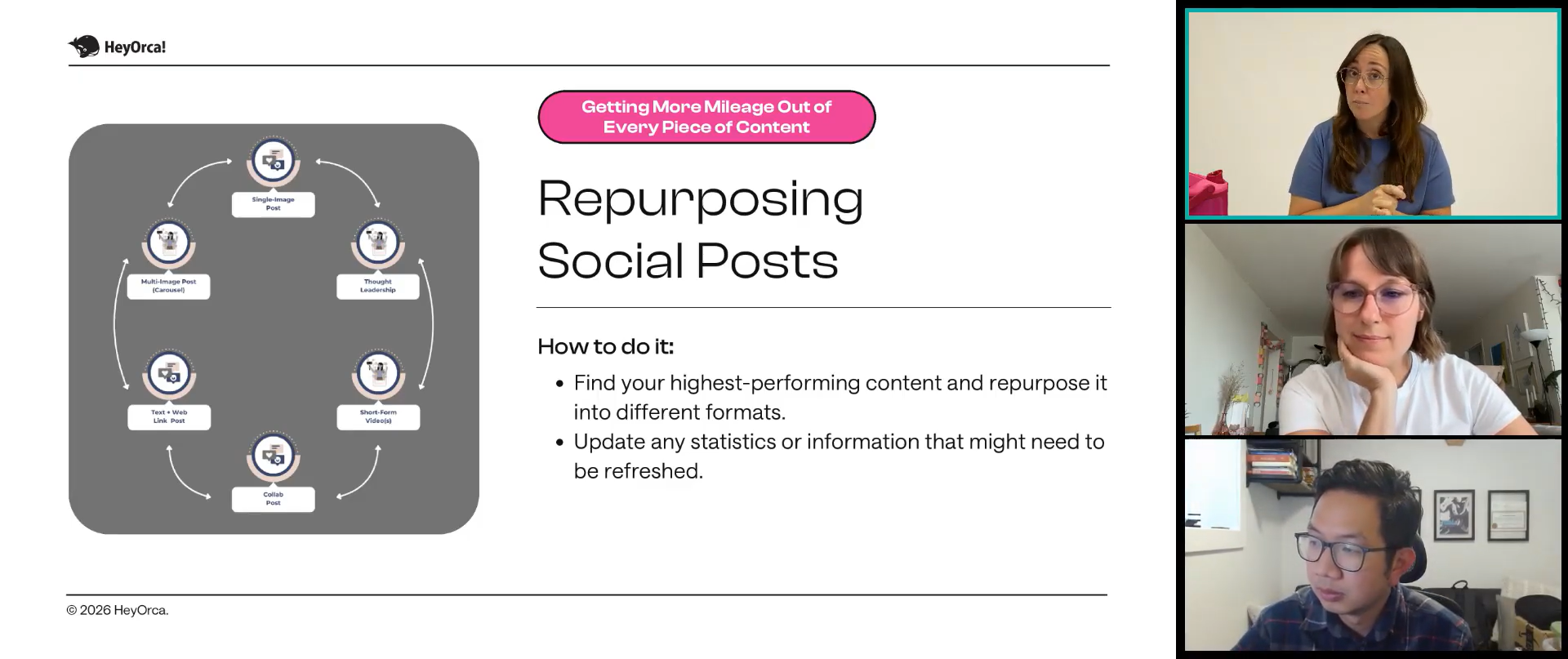
The process here can feel a little daunting, so I wanna focus on how to execute that in this blog. The great news is that it’s actually really simple once you have the right pieces in place.
You’re not only gonna get the practical tools you need to start pumping out content, but I’m also gonna share the why behind it so it sticks with you. You’ll learn how to develop anchor content, which will serve as the core of your brand. Once we have that established, I’ll walk you through 5 types of social media content that can be repurposed from that anchor content to help with reach and discoverability for those who don’t know your brand yet, and with engagement and nurturing for current followers. All tailored to help small marketing teams or marketing teams of one create the most content without burning out.
Here’s the full rundown:
How to Establish Your Brand’s Main Message
Organizing Your Brand’s Main Message
Developing Your Brand’s Anchor Content
Current Formats Driving Social Media Interactions
Repurposing That Anchor Content into Usable and Reusable Social Media Posts, such as:
Video Screenshot Carousels
Short Form Video Clips
Quote Cards
Key Takeaway Carousels
Thought Leadership Posts and Threads
How to Establish Your Brand’s Main Message
Even if you’ve been doing this marketing thing for a while, it’s easy to lose the plot, or the “why” you ever began this thing in the first place. So I’m gonna need you to write all this down and save it somewhere you can refer to later.
Start with your mission statement (this is your why, by the way). What’s the purpose or the cause behind your brand? Why was it created? This is a major part of your branding strategy that you wanna do right away if you haven’t already. Jot that down now.
Next, you’re going to create 3-5 topics your brand wants to build authority in, each aligned with your audience’s pain points. These can be service- or product-based, but they need to remain faithful to your brand’s core. FYI, these are not sales pitches. These are the emotional connections you’re making with your audience that establish their trust in your brand and make them wanna stay with you.
There’s so much more you can add to this exercise (check out my free brand messaging and content strategy resource for the full exercise and workbook), but once you have those initial steps established, you’ll be able to start developing content.
(You wrote that down, right? Just checking.)
Organizing Your Brand’s Main Message
For the one-person team, this can sound really overwhelming. Stick with me, because once you get all these things set up, it’s going to expedite your content creation process like you wouldn’t believe!
The next thing you’ve gotta do is organize how you’re going to tell your brand’s story, or your main 3-5 topics mentioned above. If you’re a plumbing brand, maybe your topics are going to include:
The Brand Story
Major Services Offered and How They’re Better Than Your Competitor’s (You don’t need to name names. Just be tactful).
How You’re Different than Any Other Plumber, Ever
Your Promise to Your Customers
Or, if you work in Higher Education, maybe those topics include:
The University’s Unique Offer to Students Considering the School
What Sets the University Apart Academically from Other Universities (Again, no name-dropping. That’s tacky).
How the University Can Help Them Achieve Their Professional Goals
I could go on, but really, these need to be topics you establish with your executive team and that the entire company rallies around, because they will be the main drivers of all your content plans.
So go ahead and brainstorm those now and add them to the document you began above (you did start on that, right? If not, go back and do not collect $200).
Developing Your Brand’s Anchor Content
Here’s where you’ll start creating content you can repurpose for social media. Now that you have your 3-5 topics, take just one and brainstorm how you can use it to develop a long-form, repeatable video content piece. Maybe that’s an educational YouTube series, a video podcast, or a how-to video series that addresses issues your products solve.
Do you have your idea now? Great. Write it down.
Next, you’re going to go through all the steps of actually producing that content. For the purposes of this blog, pretend you already have. Great job! Super proud of you. Make sure you share this full video somewhere strategic to improve your reach. YouTube is my favorite place, especially if you’re expecting this content to be repeated (like a podcast) and available, ungated. YouTube has been shown to be the most cited video platform for major AI engines and large language models to pull your content and cite you in AI search results.
Now, let’s break that video content up.
The moment you’ve finally been waiting for. Here are 5 different types of content (plus examples) you can extract from your videos. Drumroll…
Current Formats Driving Social Media Interactions
A little extra nugget for you that might be helpful before we get too deep into this is this table I put together with information from Socialinsider’s 2026 Social Media Benchmark Reports for each platform. These are the winning formats for each major platform to help your content achieve maximum reach, discoverability, and engagement. These formats are in order of most effective to least effective.
Short Form Video Clips
Short-form videos will be your accelerators for reach and discoverability. For your anchor videos, these will be short clips from that anchor piece that give non-followers a taste of what your brand offers and encourage them to follow your social channels.
These need to follow a very basic, consistent structure:
Introduction of one of your 3-5 topics
Short explanation of how that’s relevant to them
End on a cliffhanger so they’re pushed to make a decision regarding your brand (follow or keep scrolling).
They can be shared across any of the short-form platforms (TikTok, Instagram, Facebook Reels, YouTube Shorts). Depending on your brand, I would select one or two you’re really interested in investing in and go all in on building a community there. Some of you will be asked by your higher-ups to go all in everywhere. You can do that, but do not expect the same results across all platforms. Each platform distributes content differently. What may work on YouTube Shorts may bomb on Instagram Reels.
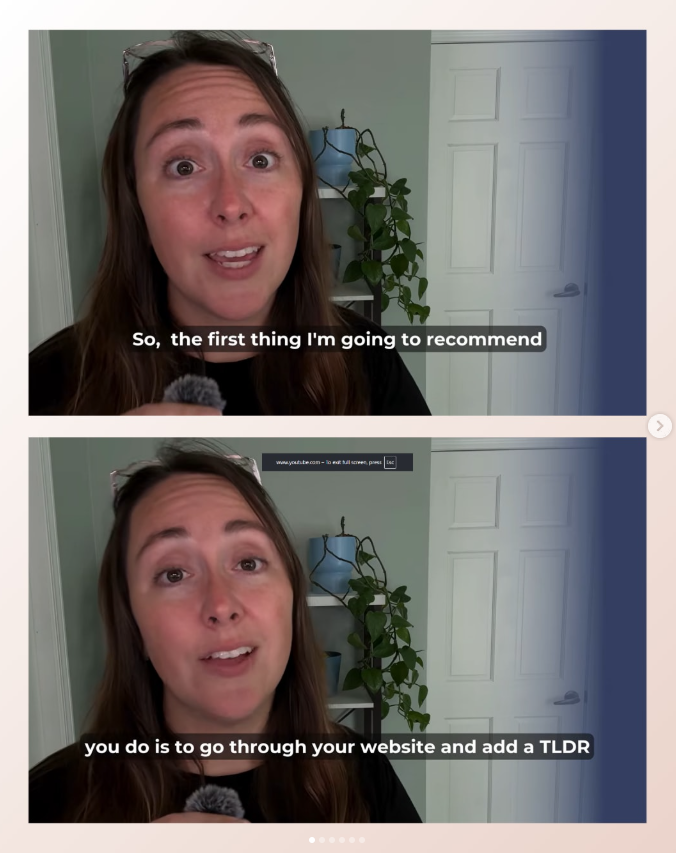
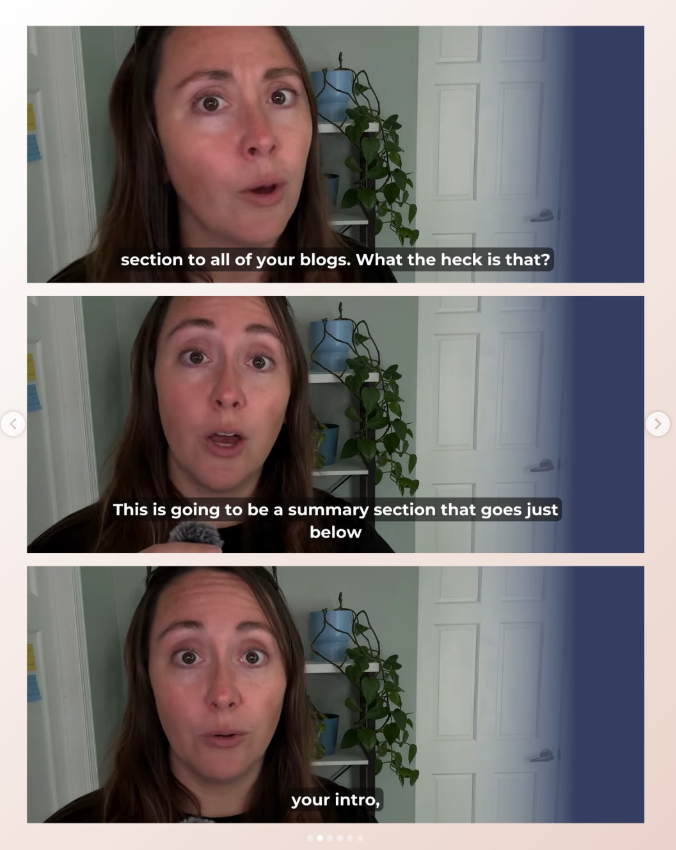
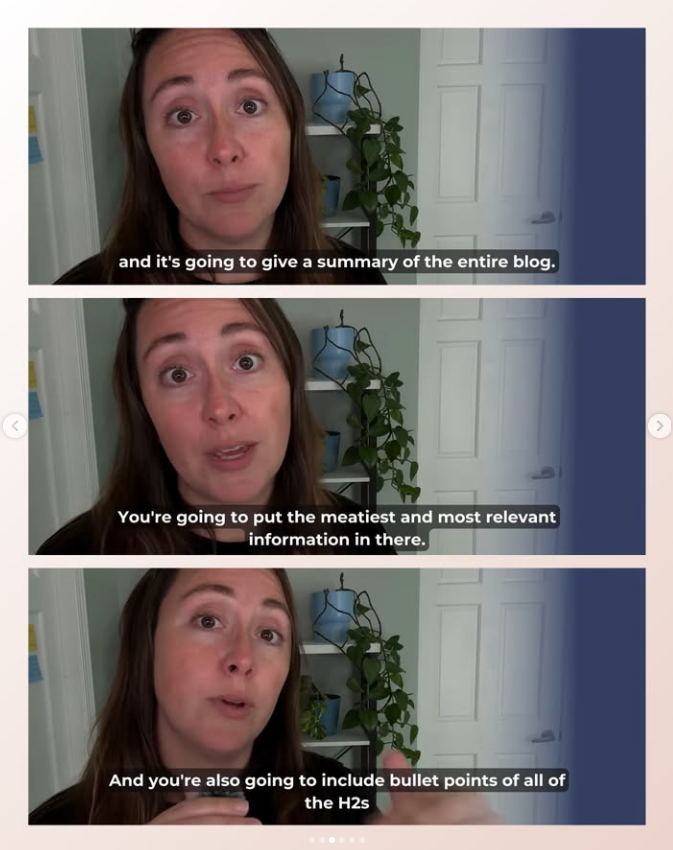
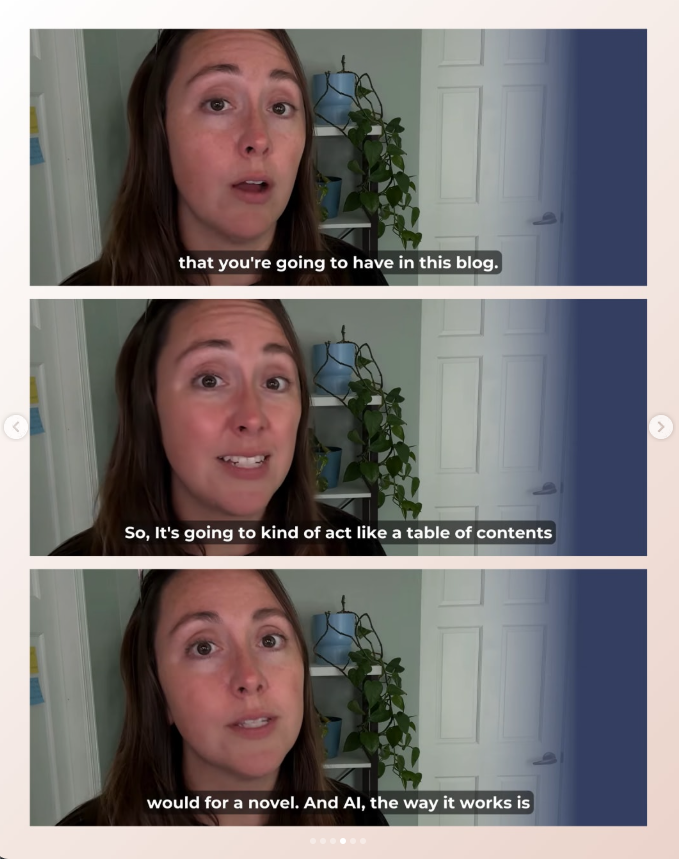
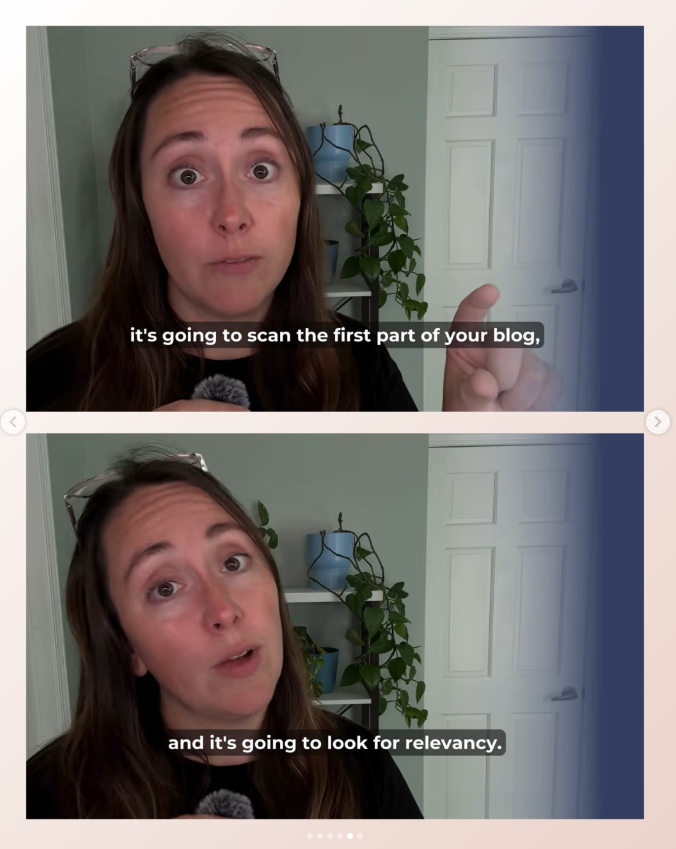
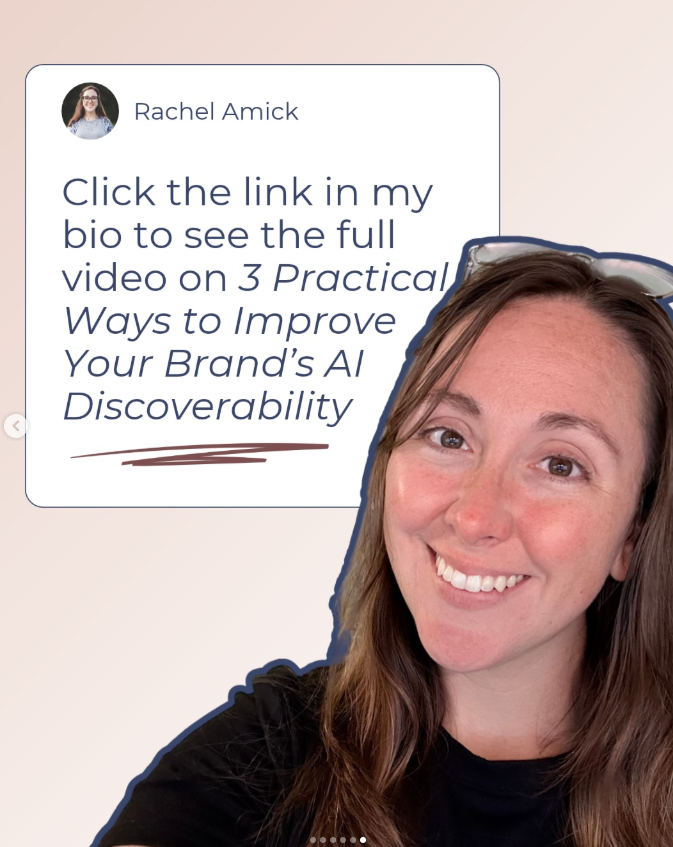
Video Screenshot Carousel
This is going to be one of the lowest-lift types of content you can create, and the best part is that carousel (or album content on Facebook) is really great for nurturing your current follower base. These should be focused on speaking to those people.
Select the section of the video you’re interested in sharing.
Turn captions on in your video.
Take screenshots of the sections you want to quote.
Find an editing program (I like Canva, but you can do this in Photoshop or a similar program).
Stack the screenshots in order. I would choose only 2-3 stacked images per slide and not exceed 10 slides.
Boom. It’s ready to post.
You can also easily update your slides for a more elevated look by creating new captions with font sets different from those available in the typical interface of a video streaming platform. You can also choose to add a frame around your screenshots or keep them as screenshots.
Quote Cards
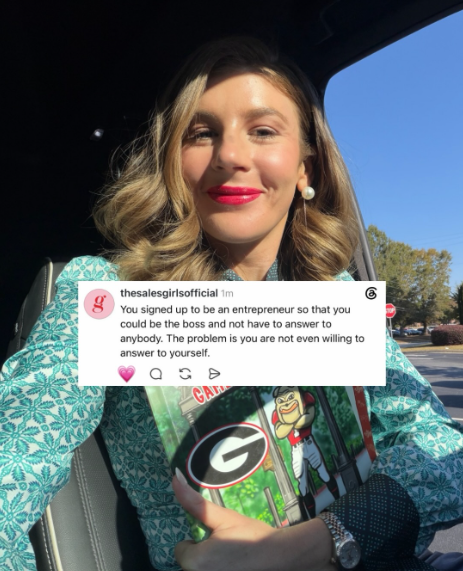
These are pretty low-lift as well, but you’ll wanna make sure they don’t look like a basic Canva template. Truthfully, it’s better if they look like you put them together quickly. Over-polished content doesn’t resonate on social media and gives users the ick.
Quote cards are especially effective when they include an image of the speaker in the graphic, or when the image itself is the speaker. They also don’t have to be screenshots of the actual conversation. You can use any image of the person speaking. Bonus points if you use the same quote to make both types of posts (and now you’re an A/B testing master).
Keep the quotes short and sweet, limited to a single graphic. These should be different from carousels or albums in that they are stand-alone. It should be noted that these will probably give you the lowest ROI of any content you create (goodbye to the good ‘ol days of posting a single image and having everyone like it), but they are great if you have guests in your video content, so they can collaborate or reshare with their audiences for maximum reach and discoverability.


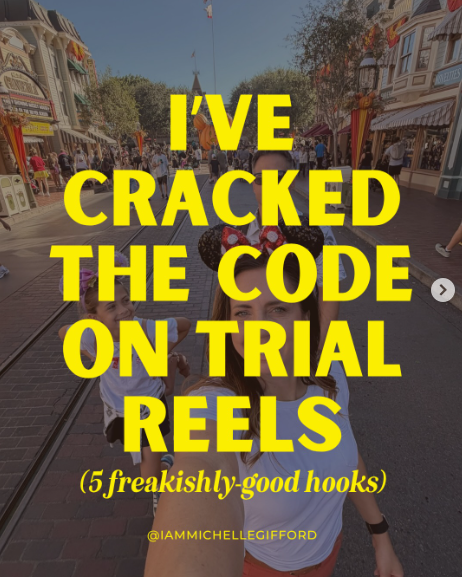
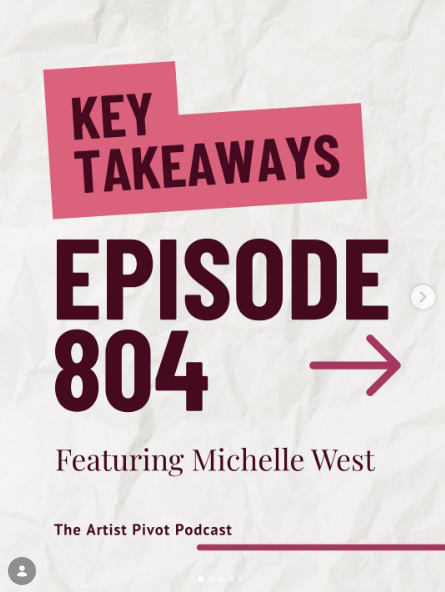
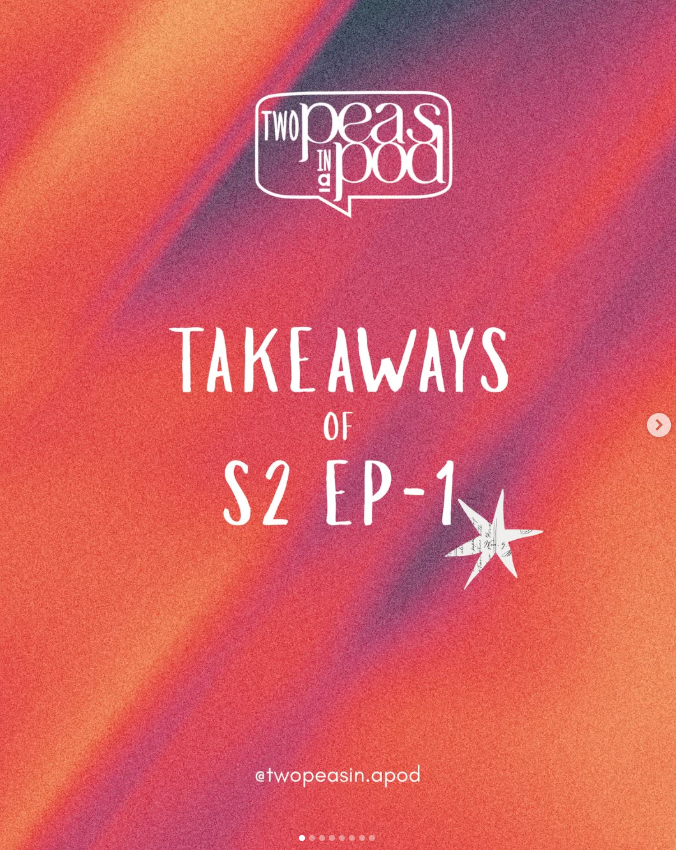
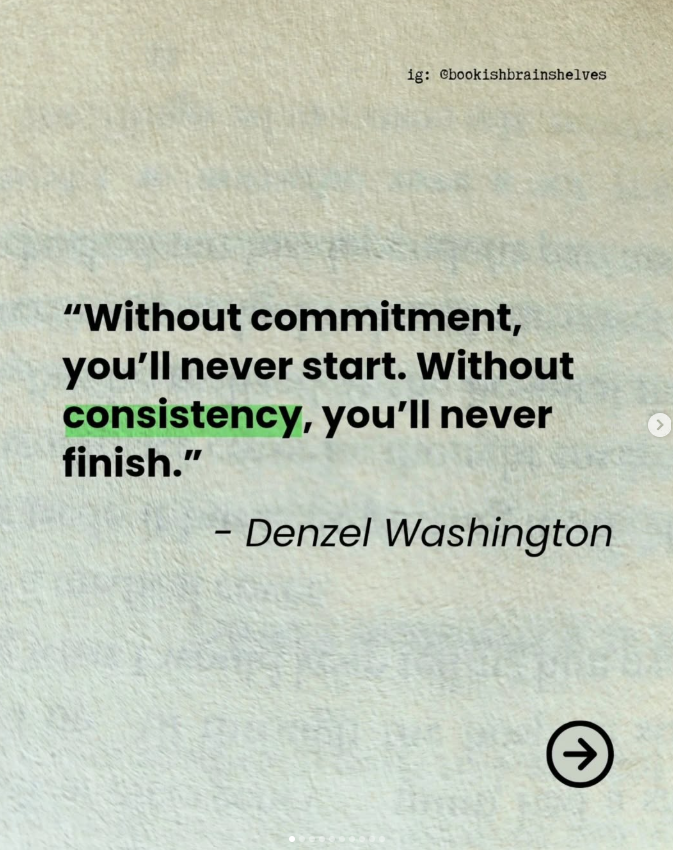
Key Takeaway Carousel
This carousel can be text-only and is arguably the lightest lift. Pick a great background and legible text, and poof! You’re good to go!
These posts won’t be quote-forward. They’ll include the key takeaways, or main points, someone can get from watching your anchor content. I’ve included a few examples of what this might look like in the wild below.
Thought Leadership
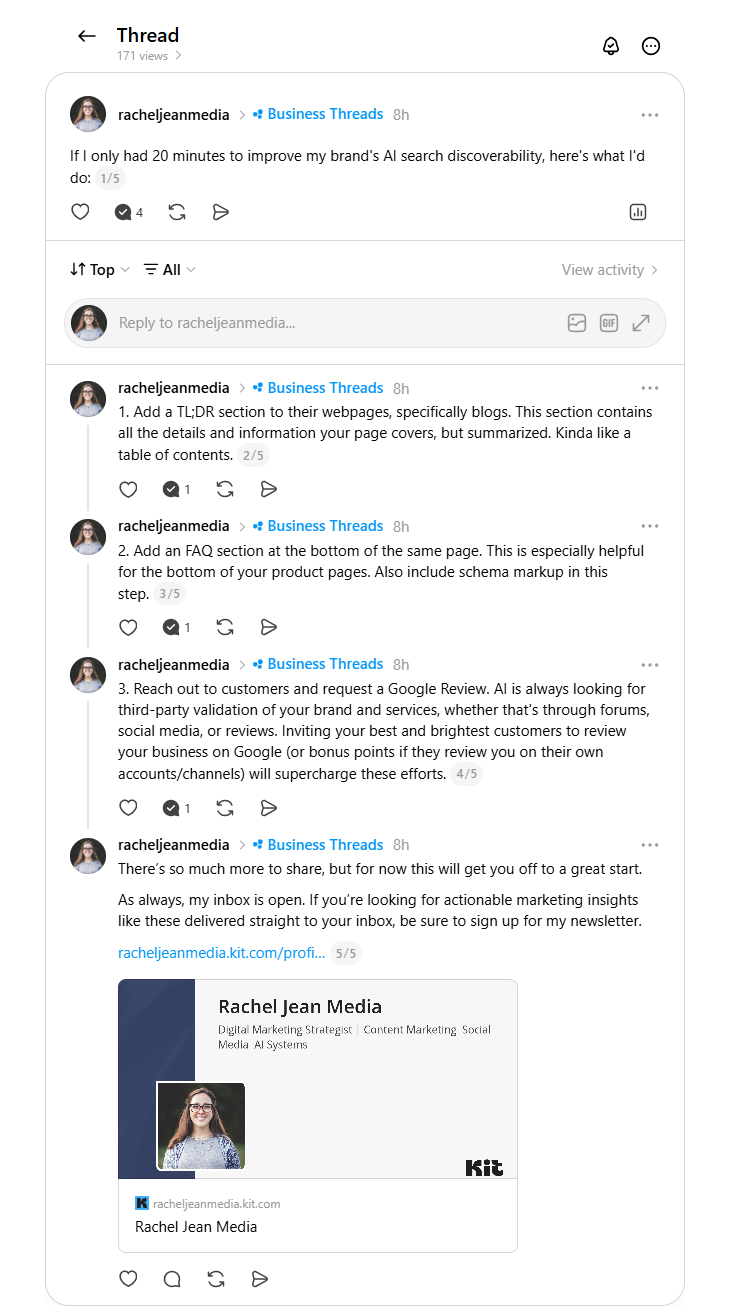
Thought leadership is super useful for sharing longer-form, written content that isn’t limited to a video or a photo. Thought leadership posts can be thought of as “mini blogs” or “stream-of-consciousness” pieces that primarily live on places like LinkedIn, X, Facebook, and Threads. These pieces can come directly from your video content, using the video’s transcription.
Content can range from sharing expertise and offering opinions to challenging industry norms, publicly sharing processes, and commenting on current events relevant to the brand.
Execution will vary by platform, but you can get started with the following examples for inspiration.
Threads Thought Leadership Thread Example
Twitter/X Opinion Example
LinkedIn Process Thought Leadership Example
LinkedIn Expertise Example
Final Thoughts
What works for one marketer might not work for another. These are some actionable tactics you can try to see how they work for your brand. If you found this useful, send me an email or connect with me on socials and let me know! I love connecting with other marketers to see how things are working in their niches.